1) Access
Overview
Let's start with getting authenticated to the Hotel Manager API.
We reccommend using this authentication method if you are a hotel looking to connect your hotel to the Hotel Manager API. If you are an app vendor wanting to connect your client's hotels to the API you should take a look at Marketplace App Authentication.
Generate API Key
First, head on over to app.hotelmanager.co/manage/developer/api to get your API key.

Enter in a label to manage your API keys. API keys can be revoked at any time from your Dashboard.
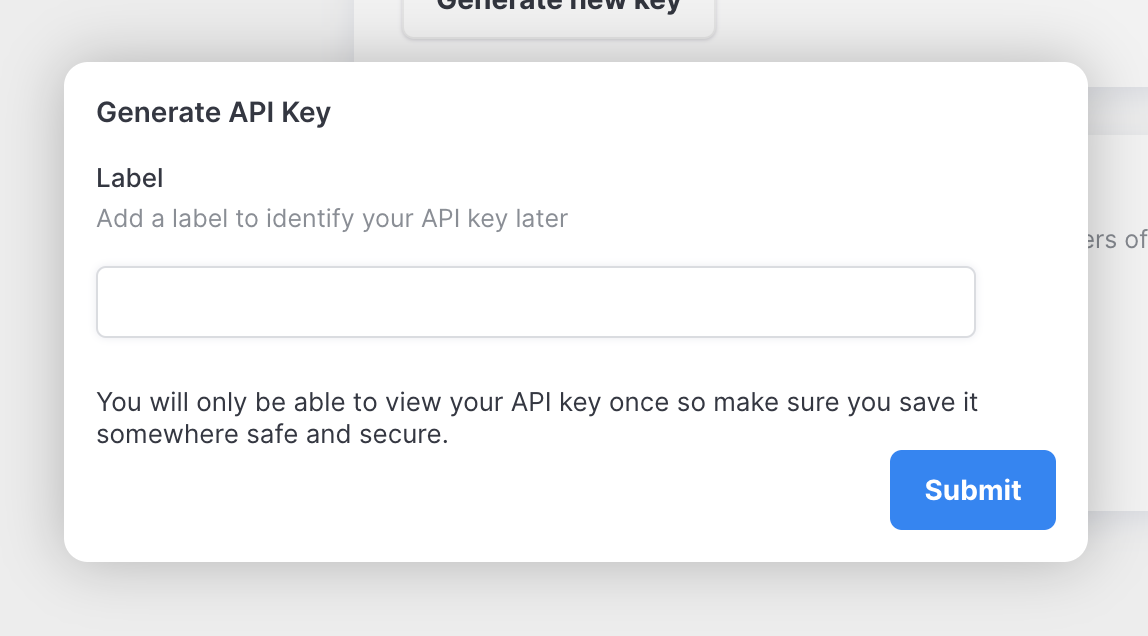
Save your API key in a safe place as you won't be able to access it again. API keys can be generated and revoked at any time.
You need to pass in your API key in your request headers to authenticate with the API.
Hotels
As well as your API key, you also need to add your hotel ID. You can see your hotel IDs at app.hotelmanager.co/manage/developer/api.

Example
Here is an example querying the Booking entity.
The endpoint for our production API is below:
api.hotelmanager.co/graphql
GraphQL Query
query bookings {
  bookings {
    id
    checkInDate
    guest {
      mobile
      dateOfBirth
    }
  }
}
Headers
{
  "Authorization": "{api_key}",
  "hotel-id": "{hotel_id}"
}