1) Consent
Let's start with getting authenticated to the Hotel Manager API.
We reccommend using this authentication method if you are an app vendor looking to connect your client's hotels to the Hotel Manager API. If you only want to connect your hotel to the API you should take a look at Property API Access.
You must first create a Marketplace app before you can authenticate with the API.
Hotel partners must provide consent to connect to your application. You can get a link to the consent screen from the Marketplace App settings in the Manage page of your Dashboard.
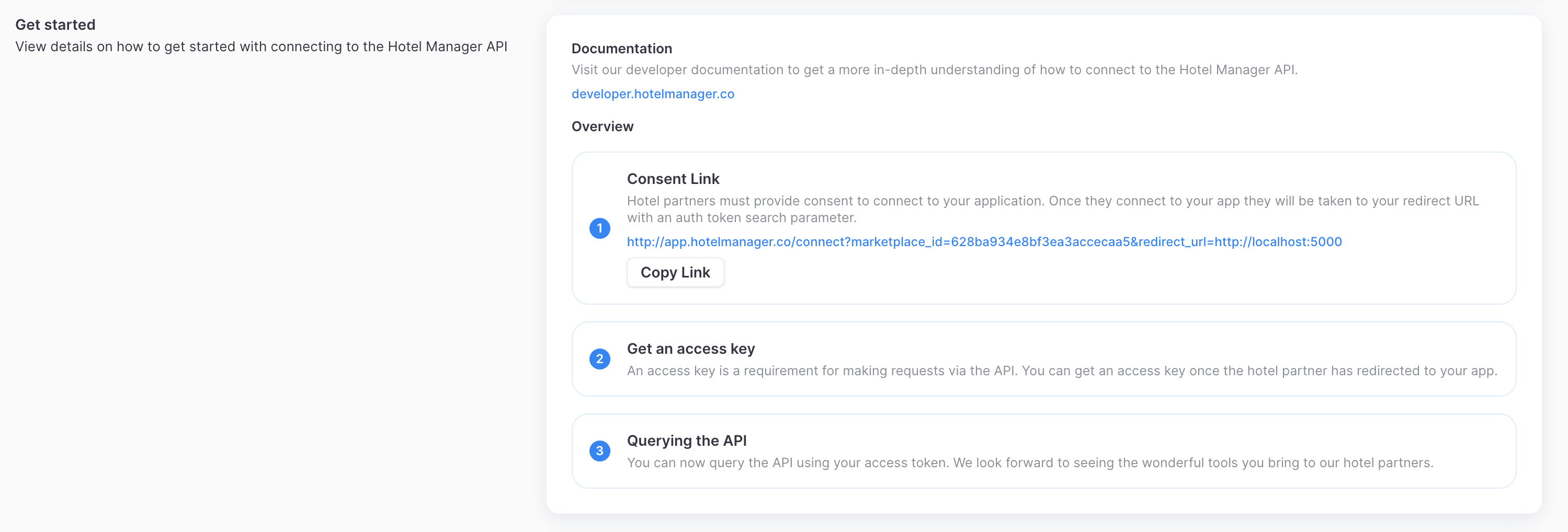
There are two different entry points that the hotel partner may connect from, either from the Marketplace or from your app. You are able to provide the URL that the hotel partner will connect to from the Marketplace via the Marketplace App settings.
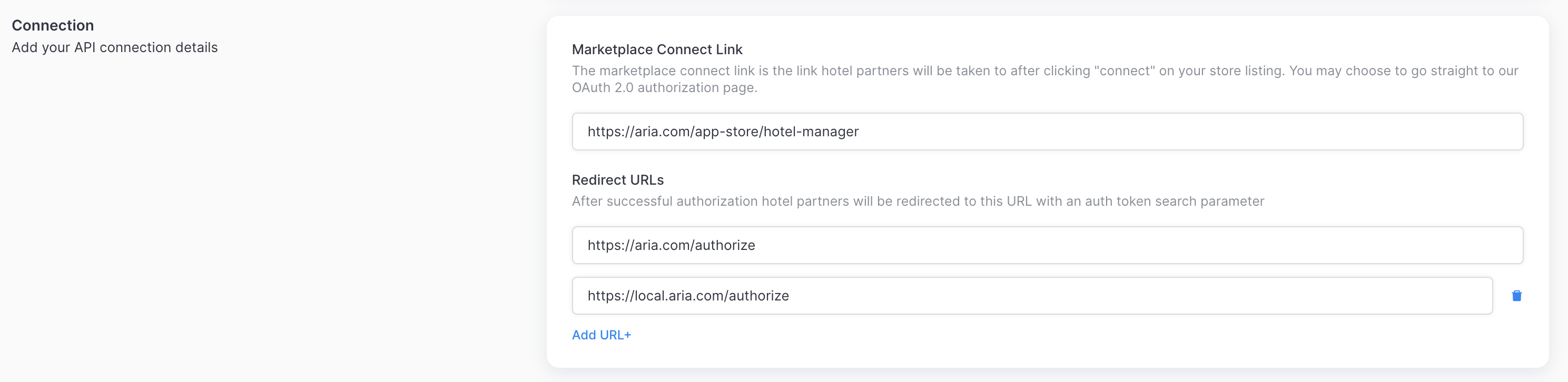
If the hotel partner connects through the Marketplace you can either provide a link back to your platform or alternatively provide your consent link. If the hotel partner connects through your app you just need to provide the consent link.
Consent Link
The consent link has the following structure:
https://app.hotelmanager.co/connect/?marketplace_id=xxxxx&redirect_url=xxxxx
You can get a link to the consent screen from the Marketplace App settings in the Manage page of your Dashboard.
Note: The redirect URL should be a link from your platform that will later be consumed by your API.
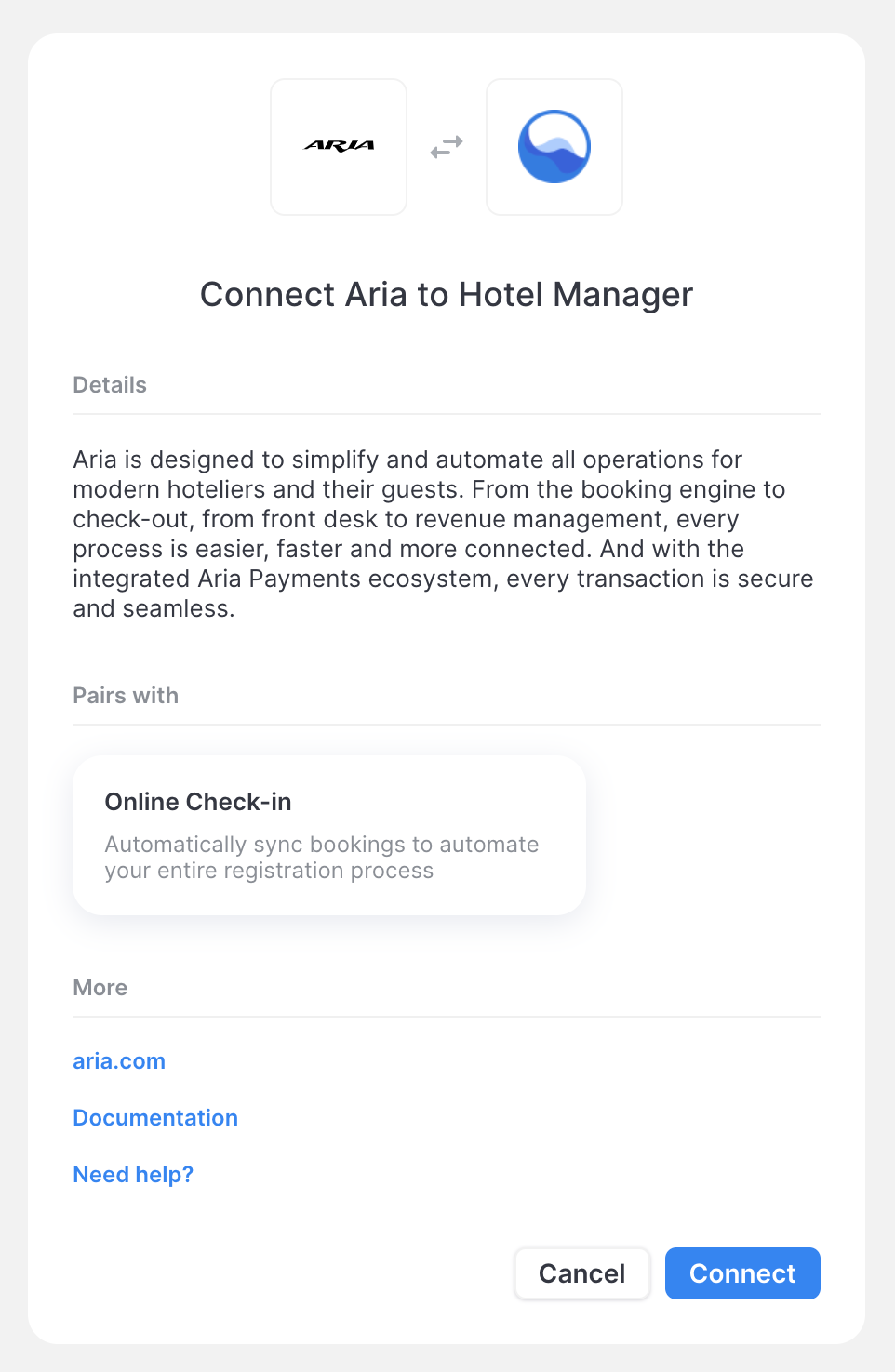
Once the hotel provides connects to your app they will be taken to redirect URL with an auth_token search parameter.
https://your-app.com/?auth_token=xxxxx